
On-Request app


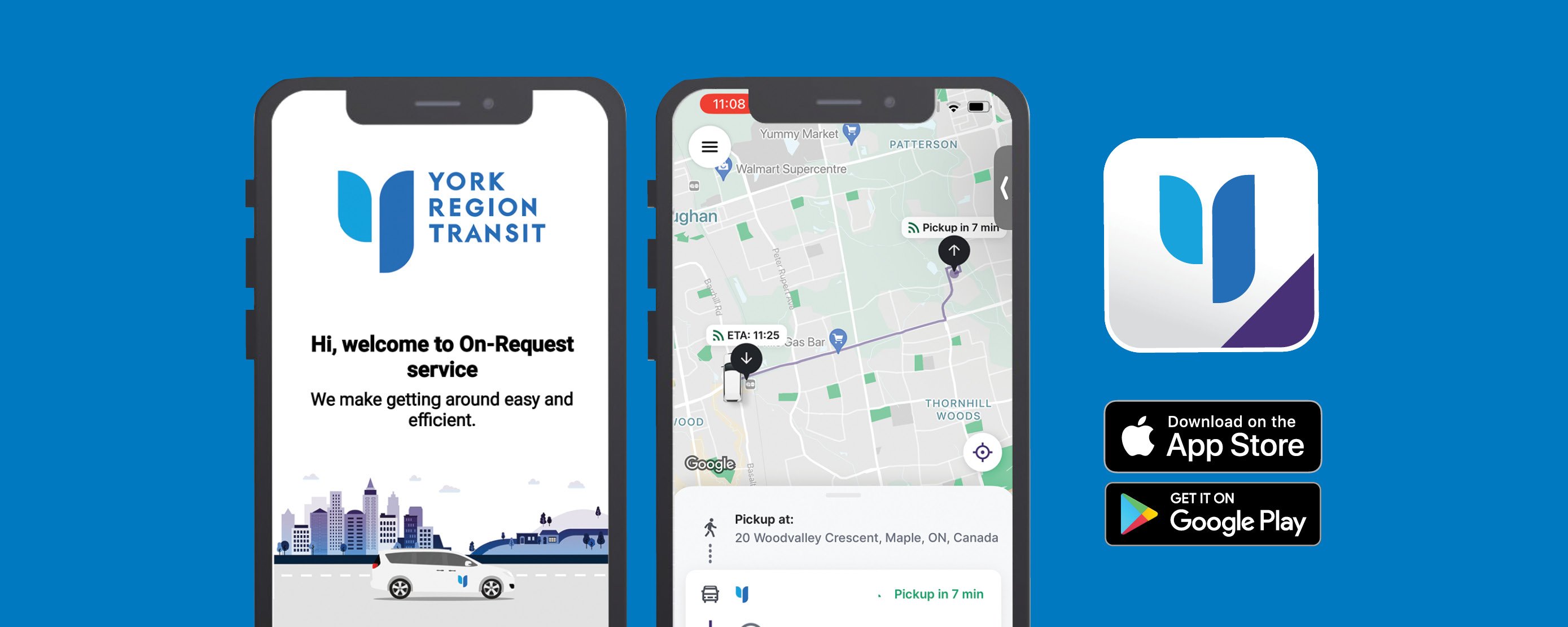
Book an On-Request trip using the YRT On-Request app, online booking system or by phone. On-Request is a ride-sharing service that allows you to request transit within select service areas. No application process is required.
Fares are increasing on July 1, 2026.Learn more about the fare changes.
How to Book Your Trip
Before booking your trip, view the On-Request Service Areas map to find which service area you are located in/need to be picked up from.
Review the Code of Conduct and the Travel Tips page.
| Book Your Trip Using the On-Request app | ||||||||||||||||||
To book your trip using the YRT On-Request app:
*On-Request trip planning options are also available when using the Transit and Citymapper apps.
|
||||||||||||||||||
|
Book Your Trip Using the Online Booking System |
||||||||||||||||||
To book your trip online using the YRT On-Request Booking System:
*On-Request trip planning options are also available when using the Transit and Citymapper apps.
|
| Book Your Trip by Phone |
|
To book your trip by phone call 1-888-762-2950, press 2 and a Customer Service Representative will assist you. Have the following information ready to provide:
Trips may occur anytime during service hours. Request the next available trip or pre-book a pick-up or drop-off anywhere from 45 minutes to one day in advance. For pre-bookings, your trip will be scheduled with a 15-minute pick-up window. Please remember that once scheduling is completed, your requested time may change (within the booking window). |
Frequently Asked Questions
Booking a Trip
|
When can I book my trips? |
||||||||||||||||||
|
YRT On-Request offers two booking options to maximize rider convenience:
|
||||||||||||||||||
|
What if I don’t have a mobile device to book a trip with the app? |
||||||||||||||||||
|
You can book a trip using the YRT On-Request Booking System or by calling 1-888-762-2950, press 2 and a Customer Service Representative will assist you. Note: Ride times may be updated to accommodate other riders. Please check the YRT On-Request app for the most up-to-date pick-up time. Although this feature is only available through the app, all riders will receive text message updates (when applicable) when the vehicle is 30, 15 and 5 minutes away, and upon arrival. For riders who cannot receive text messages, please be ready at the time or window communicated to you over the phone by our Customer Service Representative. |
||||||||||||||||||
|
What service type do I select when booking in the app? |
||||||||||||||||||
|
When booking a trip using the YRT On-Request app or YRT Booking System, you will need to select from one of three service types: On-Request, On-Request Local or On-Request GO. Please see below for a list of service types:
|
|
Is there a waiting period after I book my trip? |
|
When booking next available pick-up, an exact time is provided. You will receive update notifications by text message when your ride is 15 minutes away, 5 minutes away and upon arrival. For advance bookings, a 15-minute pick-up window will be provided at the time of booking. The app will provide text message notifications when your vehicle is 30 minutes away, 15 minutes away, 5 minutes away and upon arrival. |
|
What if I need to transfer between On-Request services? |
|
If your journey spans more than one On-Request service area, Customer Service Representatives will assist with trip planning using all available On-Request services and YRT routes. Our goal is to provide you with the best available travel plan. If you are connecting to a YRT route or other On-Request service, please use our pre-booking option and request an arrival time at the required bus stop or drop-off location. Remember to consider traffic delays, road conditions, etc. when selecting your arrival time. If you are travelling on a YRT route that is running late, please call 1-888-762-2950, press 2 to reschedule your connecting On-Request trip. |
|
Can I save my favourite destinations? |
| You can save your favourite destinations as points of interest within the app by clicking the star icon next to the address. This will have it saved as a preselected location for future bookings. |
|
Is On-Request service for everyone or only Paratransit clients? |
| YRT On-Request service is available for everyone to use. Mobility On-Request Paratransit is a separate service for registered clients. |
On-Request Vehicle
|
How do I recognize the correct vehicle if there is more than one? |
|
Look for the driver’s license plate number on your app. It is also included in all same-day text message notifications sent in advance of the vehicle's arrival. |
|
Can I bring shopping bags or boxes? |
|
Yes, riders are welcome to bring a maximum of four shopping bags on the trip. There is a bag limit in place so that we can offer everyone a comfortable shared journey with adequate space. Please ensure each shopping bag weighs less than 10 pounds. Our vehicles cannot accommodate big boxed items. Small boxes that are similar in size to shopping bags are fine. The same 10-pound maximum weight applies. The total number of bags or small boxes cannot exceed four items. |
|
Do I tip my driver? |
|
No, you do not tip. Although it is similar to a ride share/taxi service, this is a public transit service. |
|
Why can’t I message my driver? |
| We do not currently have this feature. Please be ready at the pick-up address you provided when you booked your trip. |